
How to export your LYNX transaction history
LYNX is an online broker that runs on the Interactive Brokers platform. You don’t download your purchases and sales from the trading platform itself, but from your statements in Account Management. The statement you need is the Activity Statement: it lists your trades and the positions you held at the end of the period. One statement covers a year at most, so for your full history you make one for each year. This guide shows you how, and which years you mustn’t skip.
Log in to Account Management
On a computer, open Account Management and log in. It’s the part of LYNX you use in your browser, where your account statements are kept.
Open "Statements"
In the menu at the top, click "Performance & Reports", then "Statements".
Start an Activity Statement
Under "Default Statements" you’ll find a row called "Activity Statement". Click the blue arrow on that row to set up a new statement.
Choose one calendar year
Set the period to "Annual" and pick the year you want to export. If that year isn’t in the list, choose "Custom Date Range" and enter 1 January to 31 December. A single statement can’t cover more than 365 days.
Download the statement as CSV
Click "Download CSV". If you’re asked to pick a language, choose English. The file lands in your downloads.
Do the same for every other year
Repeat these steps for each year since you opened your LYNX account. Two years must not be missing: 2025, because that statement shows what you held on 31 December 2025, the reference date for the capital gains tax, and 2026, because it holds this year’s sales.
You now have one CSV file per year, together your full LYNX history. You can open them in Excel or Google Sheets, or import them into a portfolio tracker.
Tip: upload your export to Plutu
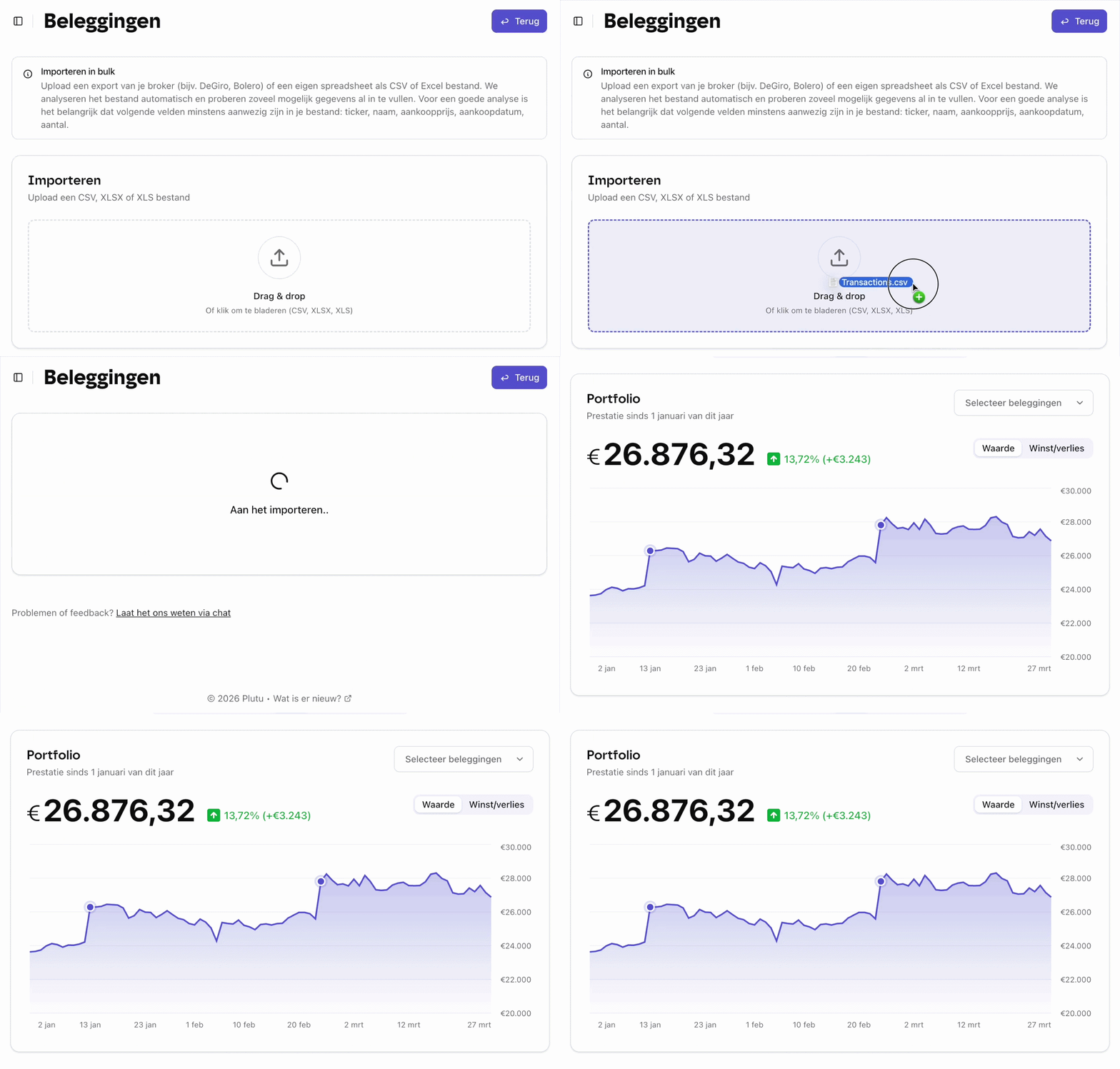
Upload your files to Plutu one at a time: start with the oldest year and move forward a year each time. That way your purchases are already in place when a later year brings in the sales of those shares. There’s no need to merge them.
Frequently asked questions
- Why do I need a statement for each year?
- An Activity Statement covers 365 days at most, so if you’ve invested with LYNX for longer than that, you need several. Taking one calendar year at a time makes them follow on exactly, so no trade falls between two files.
- Why does the 2025 statement matter so much?
- The capital gains tax applies to sales from 1 January 2026. For investments you already held before that date, their value on 31 December 2025 is the starting point: the reference date. The 2025 statement ends on exactly that day, so it shows what you owned at that moment.
- Which language should I choose for the export?
- Choose English if LYNX gives you the choice. The columns and sections in the file then carry the names a portfolio tracker expects.
- My year isn’t in the list. What now?
- Choose "Custom Date Range" and enter 1 January and 31 December of that year yourself. You get the same result as with an annual statement.